
CarlaStream
New member
- Joined
- Feb 7, 2016
- Messages
- 43
TiviMate's 7-day EPG grid and catch-up integration are its most powerful features. This guide explains how to configure them correctly and get the most from the programme guide.
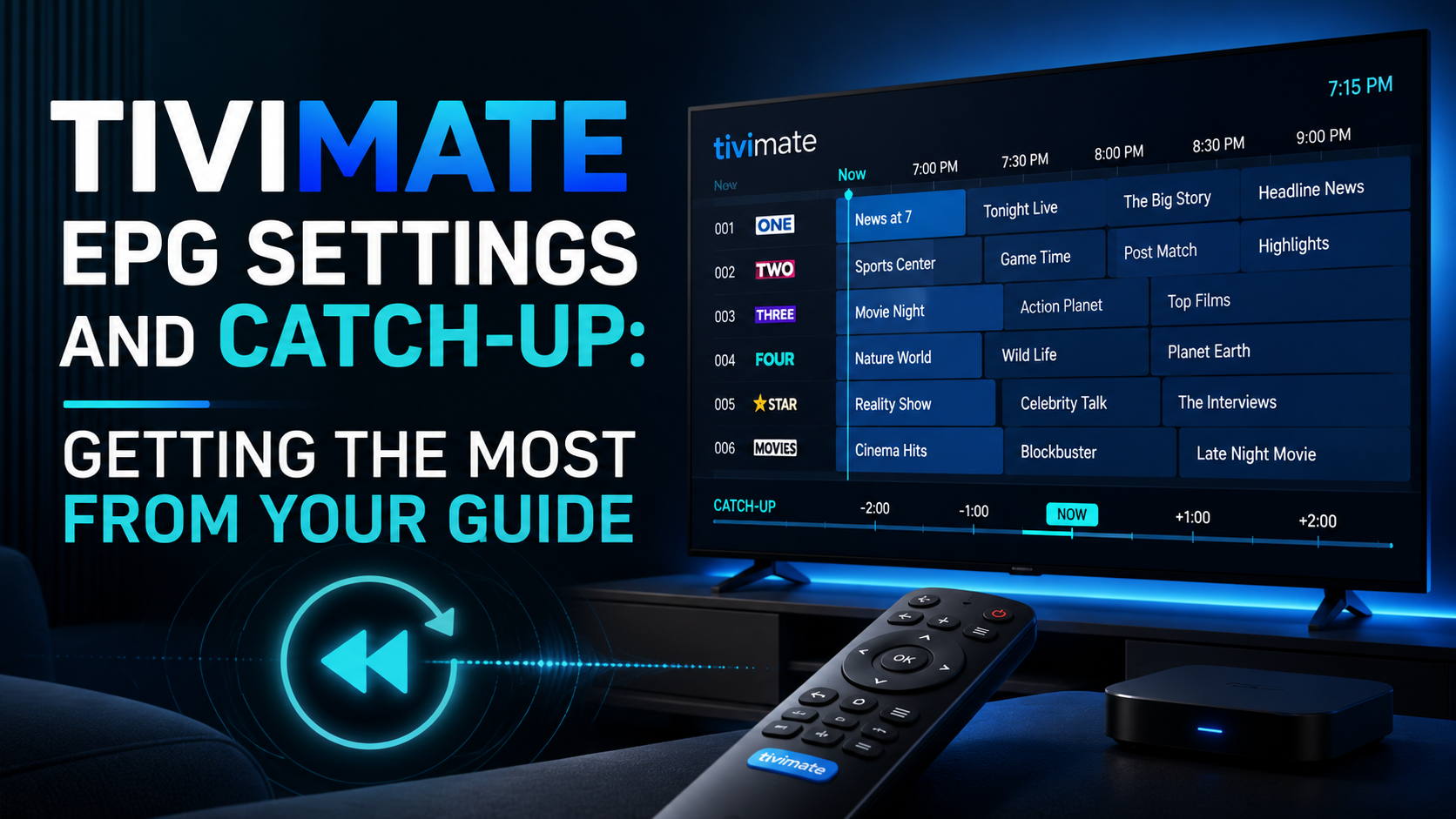
TiviMate downloads EPG data from your provider and stores it in a local database. The EPG is displayed as a grid showing multiple channels simultaneously with their programme schedules. You can browse forward 7 days to see what is on.
For catch-up to work, your IPTV service must support catch-up (most Xtream Codes services do) and catch-up must be enabled in TiviMate's playlist settings.
Settings → Playlists → your playlist → Enable Catch-Up → On.
Once enabled: in the EPG grid, channels with available catch-up content show a small play icon on past programmes. Long-press a past programme to access catch-up playback.
Settings → Playlists → your playlist → Update EPG every → set to 12 or 24 hours. TiviMate will automatically refresh the EPG on this schedule, keeping programme information current.
If EPG is regularly becoming stale between refreshes: reduce the interval. 12-hour refresh is a good balance between freshness and bandwidth use.
If your EPG shows programmes shifted in time (e.g., 8pm programmes appearing at 7pm or 9pm): Settings → Playlists → your playlist → EPG Timeshift.
UK users: GMT = 0, BST = +1. TiviMate does not automatically adjust for daylight saving on all devices. Verify and adjust manually when clocks change in spring and autumn.
US users: Set to your time zone offset (ET = -5/-4, CT = -6/-5, MT = -7/-6, PT = -8/-7 depending on daylight saving).
With Xtream Codes connection, EPG data comes through the same connection. With M3U, you need a separate XMLTV URL: Settings → Playlists → your playlist → EPG Source → Custom XMLTV URL. Enter the XMLTV URL from your provider.
Some providers have multiple EPG quality options (7-day, 3-day, compressed format). Ask your provider for the full 7-day XMLTV URL for the best catch-up experience.
TiviMate Premium allows custom channel groups. Create groups for: UK Channels, Sports, Movies, Kids — whatever suits your viewing. Assign channels to groups to reduce scrolling through thousands of channels.
Right-click any channel in TiviMate → Edit → Assign Group. Build your groups during a quiet moment and your daily navigation becomes much faster.
Understanding TiviMate's EPG System
TiviMate downloads EPG data from your provider and stores it in a local database. The EPG is displayed as a grid showing multiple channels simultaneously with their programme schedules. You can browse forward 7 days to see what is on.
For catch-up to work, your IPTV service must support catch-up (most Xtream Codes services do) and catch-up must be enabled in TiviMate's playlist settings.
Enabling Catch-Up
Settings → Playlists → your playlist → Enable Catch-Up → On.
Once enabled: in the EPG grid, channels with available catch-up content show a small play icon on past programmes. Long-press a past programme to access catch-up playback.
EPG Refresh Schedule
Settings → Playlists → your playlist → Update EPG every → set to 12 or 24 hours. TiviMate will automatically refresh the EPG on this schedule, keeping programme information current.
If EPG is regularly becoming stale between refreshes: reduce the interval. 12-hour refresh is a good balance between freshness and bandwidth use.
EPG Time Zone
If your EPG shows programmes shifted in time (e.g., 8pm programmes appearing at 7pm or 9pm): Settings → Playlists → your playlist → EPG Timeshift.
UK users: GMT = 0, BST = +1. TiviMate does not automatically adjust for daylight saving on all devices. Verify and adjust manually when clocks change in spring and autumn.
US users: Set to your time zone offset (ET = -5/-4, CT = -6/-5, MT = -7/-6, PT = -8/-7 depending on daylight saving).
EPG Source Configuration
With Xtream Codes connection, EPG data comes through the same connection. With M3U, you need a separate XMLTV URL: Settings → Playlists → your playlist → EPG Source → Custom XMLTV URL. Enter the XMLTV URL from your provider.
Some providers have multiple EPG quality options (7-day, 3-day, compressed format). Ask your provider for the full 7-day XMLTV URL for the best catch-up experience.
Channel Group Management
TiviMate Premium allows custom channel groups. Create groups for: UK Channels, Sports, Movies, Kids — whatever suits your viewing. Assign channels to groups to reduce scrolling through thousands of channels.
Right-click any channel in TiviMate → Edit → Assign Group. Build your groups during a quiet moment and your daily navigation becomes much faster.
Last edited by a moderator:
