
NancyBuffer
New member
- Joined
- Jun 3, 2019
- Messages
- 40
"Invalid credentials" or "Login not recognised" errors are among the most common IPTV support issues. This guide covers every possible cause and the systematic way to resolve each one.
The most common cause is simply credentials entered with errors. Before troubleshooting further:
1. Open a plain text editor (Notepad on Windows, Notes on phone)
2. Copy your credentials there and examine them character by character
3. Check: Is the URL complete with http:// or https:// and the port number?
4. Check: Are there any spaces before or after any field? Paste them to the editor and look at both ends.
5. Check: Are letters correct case? Usernames are usually lowercase; passwords are case-sensitive.
This is the second most common cause. Different IPTV apps expect the URL in different formats:
Xtream Codes format: http://server ort (just the base URL — no path)
M3U format: http://serverort/get.php?username=X&password=Y&type=m3u_plus
If you are using TiviMate/XCIPTV with Xtream Codes connection, enter only the base URL. Entering the full M3U URL in the Xtream Codes field will always fail.
This is the fastest way to confirm whether credentials are valid, independent of any app:
On any device: open a browser and type: http://[server]:[port]/player_api.php?username=[user]&password=[pass]
If you get a JSON response showing your account information, the credentials are valid and the problem is in the app. If you get an error, the credentials or server URL has a problem.
An expired account returns "Invalid credentials" — the same error as wrong credentials on most services. If credentials are definitely correct: log in to your provider's account panel via web browser to verify subscription status.
If account shows expired: renew. If it shows active but login still fails: contact support with your test results (including the browser API test above) to confirm the issue is on their end.
Some providers lock accounts to specific IP addresses for security. If you have recently changed ISP or moved house, your new IP address may not match the bound IP.
Contact your provider and ask them to "release the IP binding" on your account. This is a routine support action that takes minutes.
Old auth tokens in app cache can conflict with a fresh login attempt. Fix: clear app cache (Settings → Apps → [app name] → Clear Cache) and then attempt login on a fresh app launch.
If cache clear does not help: clear data (removes settings and saved credentials — you start fresh). If that does not help: uninstall and reinstall the app.
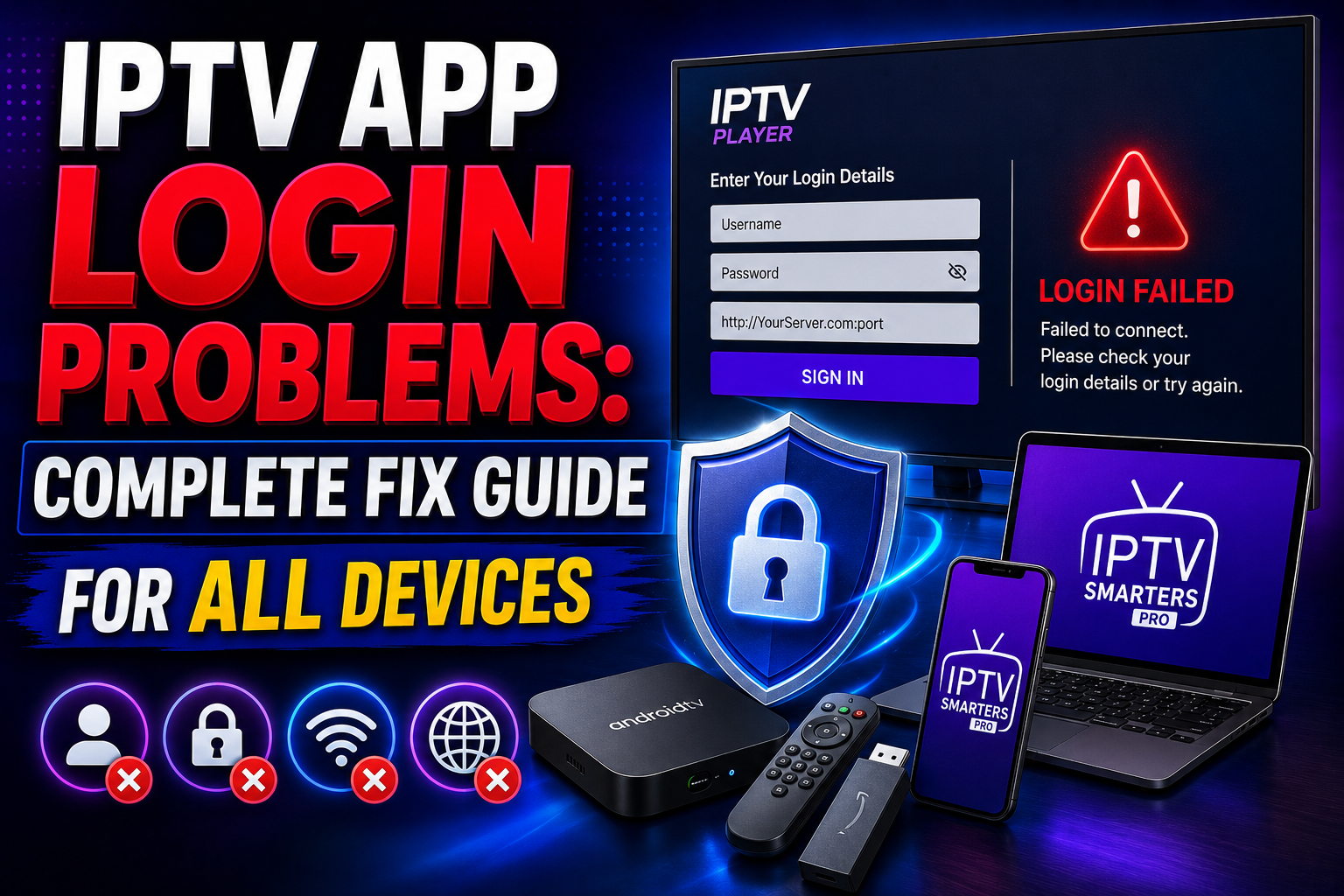
Before Anything Else: Verify Credentials Carefully
The most common cause is simply credentials entered with errors. Before troubleshooting further:
1. Open a plain text editor (Notepad on Windows, Notes on phone)
2. Copy your credentials there and examine them character by character
3. Check: Is the URL complete with http:// or https:// and the port number?
4. Check: Are there any spaces before or after any field? Paste them to the editor and look at both ends.
5. Check: Are letters correct case? Usernames are usually lowercase; passwords are case-sensitive.
The URL Format Problem
This is the second most common cause. Different IPTV apps expect the URL in different formats:
Xtream Codes format: http://server
ort (just the base URL — no path)M3U format: http://server
ort/get.php?username=X&password=Y&type=m3u_plusIf you are using TiviMate/XCIPTV with Xtream Codes connection, enter only the base URL. Entering the full M3U URL in the Xtream Codes field will always fail.
Test the Credentials in a Browser
This is the fastest way to confirm whether credentials are valid, independent of any app:
On any device: open a browser and type: http://[server]:[port]/player_api.php?username=[user]&password=[pass]
If you get a JSON response showing your account information, the credentials are valid and the problem is in the app. If you get an error, the credentials or server URL has a problem.
Account Status Issues
An expired account returns "Invalid credentials" — the same error as wrong credentials on most services. If credentials are definitely correct: log in to your provider's account panel via web browser to verify subscription status.
If account shows expired: renew. If it shows active but login still fails: contact support with your test results (including the browser API test above) to confirm the issue is on their end.
IP Binding Issues
Some providers lock accounts to specific IP addresses for security. If you have recently changed ISP or moved house, your new IP address may not match the bound IP.
Contact your provider and ask them to "release the IP binding" on your account. This is a routine support action that takes minutes.
App Cache Issues
Old auth tokens in app cache can conflict with a fresh login attempt. Fix: clear app cache (Settings → Apps → [app name] → Clear Cache) and then attempt login on a fresh app launch.
If cache clear does not help: clear data (removes settings and saved credentials — you start fresh). If that does not help: uninstall and reinstall the app.
Last edited by a moderator:
