
CharlesNet
New member
- Joined
- Aug 6, 2024
- Messages
- 12
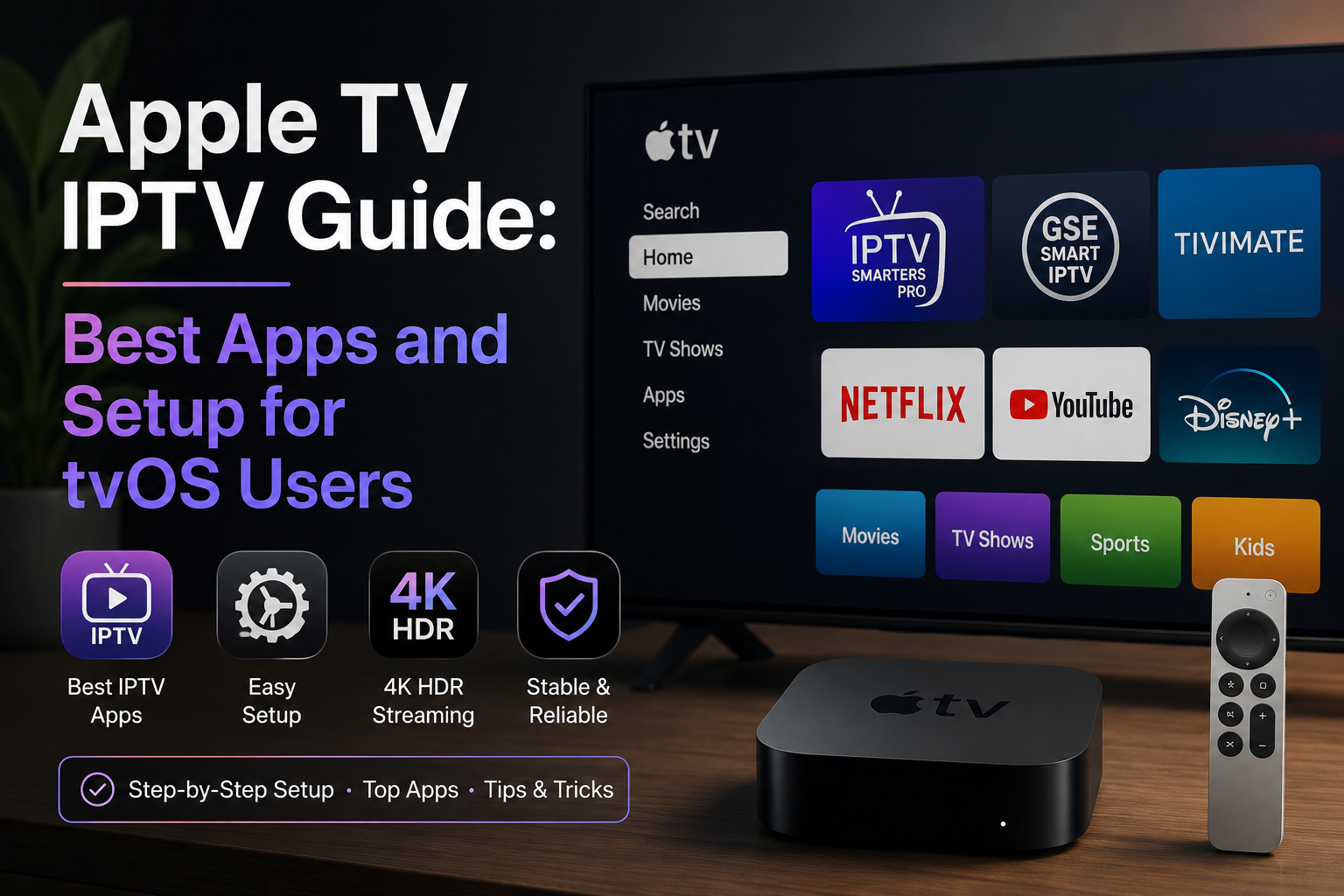
Apple TV 4K is an excellent IPTV device for users in the Apple ecosystem. Its powerful chip handles even high-bitrate 4K HDR streams effortlessly. This guide covers the available apps and how to get the best experience.
The A15 and A16 chips in current Apple TV 4K models have substantial processing headroom for video decode. Unlike Firestick or budget Android boxes, Apple TV never throttles during sustained 4K playback. The combination of efficient hardware decode and tvOS stability results in a very consistent IPTV experience.
All IPTV apps on Apple TV must come from the App Store — sideloading is not possible on tvOS.
IBO Player: The best overall IPTV app specifically designed for Apple TV. Native tvOS interface, excellent 4K HDR playback, uses Device ID activation. The dedicated Apple TV UI is genuinely polished.
Flix IPTV: The most visually refined IPTV app for Apple TV. Designed from the ground up for large-screen tvOS navigation. Excellent EPG presentation. Highly recommended for users who prioritise interface quality.
IPTV Smarters Pro: Cross-platform app with Apple TV version. Reliable and functional. Interface is not as refined as IBO Player or Flix IPTV but it is a familiar choice for users switching from other platforms.
GSE Smart IPTV: Available on Apple TV and excellent for users who also use iOS (iPhone/iPad). Cross-device synchronisation means settings and playlists are shared between your Apple TV and iOS devices.
1. Install IBO Player from the App Store
2. Launch — the Device ID is displayed prominently on the welcome screen
3. Provide this Device ID to your IPTV service provider for activation
4. After provider activates: close and reopen IBO Player
5. The app authenticates automatically via the Device ID — no username/password to enter
6. Channels load after authentication completes
Apple TV 4K supports Dolby Atmos and Dolby Digital pass-through to compatible soundbars and AV receivers. If your IPTV streams carry Dolby audio metadata, Apple TV will pass it through correctly. This makes Apple TV + IBO Player one of the best combinations for audio quality among IPTV devices.
IPTV apps on the App Store occasionally go through review periods or temporary unavailability. If an app becomes unavailable, previously installed copies continue to work. Keep multiple apps installed as backup — IBO Player and Flix IPTV together cover most situations.
The Apple TV Advantage for IPTV
The A15 and A16 chips in current Apple TV 4K models have substantial processing headroom for video decode. Unlike Firestick or budget Android boxes, Apple TV never throttles during sustained 4K playback. The combination of efficient hardware decode and tvOS stability results in a very consistent IPTV experience.
Available IPTV Apps on Apple TV
All IPTV apps on Apple TV must come from the App Store — sideloading is not possible on tvOS.
IBO Player: The best overall IPTV app specifically designed for Apple TV. Native tvOS interface, excellent 4K HDR playback, uses Device ID activation. The dedicated Apple TV UI is genuinely polished.
Flix IPTV: The most visually refined IPTV app for Apple TV. Designed from the ground up for large-screen tvOS navigation. Excellent EPG presentation. Highly recommended for users who prioritise interface quality.
IPTV Smarters Pro: Cross-platform app with Apple TV version. Reliable and functional. Interface is not as refined as IBO Player or Flix IPTV but it is a familiar choice for users switching from other platforms.
GSE Smart IPTV: Available on Apple TV and excellent for users who also use iOS (iPhone/iPad). Cross-device synchronisation means settings and playlists are shared between your Apple TV and iOS devices.
Setting Up IBO Player on Apple TV
1. Install IBO Player from the App Store
2. Launch — the Device ID is displayed prominently on the welcome screen
3. Provide this Device ID to your IPTV service provider for activation
4. After provider activates: close and reopen IBO Player
5. The app authenticates automatically via the Device ID — no username/password to enter
6. Channels load after authentication completes
Audio Pass-Through: Dolby Audio
Apple TV 4K supports Dolby Atmos and Dolby Digital pass-through to compatible soundbars and AV receivers. If your IPTV streams carry Dolby audio metadata, Apple TV will pass it through correctly. This makes Apple TV + IBO Player one of the best combinations for audio quality among IPTV devices.
App Store Availability Note
IPTV apps on the App Store occasionally go through review periods or temporary unavailability. If an app becomes unavailable, previously installed copies continue to work. Keep multiple apps installed as backup — IBO Player and Flix IPTV together cover most situations.
Last edited by a moderator: