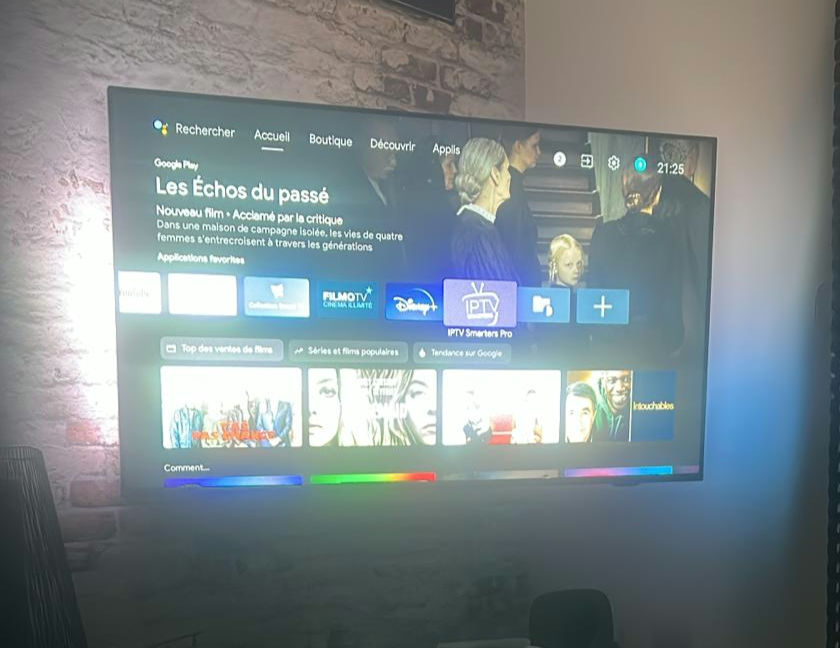
Android TV Box setup for IPTV beginners: complete first-time configuration guide

RonaldFix

New member
Joined
Sep 4, 2017
Messages
43
Just received my first Android TV box. It came with Android TV pre-installed. I want to use it for IPTV with TiviMate. What are the steps from unboxing to watching? Particularly interested in any settings I should change before I install TiviMate.
229033.jpg
 
Last edited by a moderator:
Welcome to Android TV box IPTV. Here is the complete setup sequence for a first-time user:\n\n**Initial box setup:**\n1. Connect the box to your TV via HDMI\n2. Connect to your network — ideally via Ethernet cable to the router\n3. Complete the Android TV setup wizard (create or sign in to a Google account)\n4. Go to Settings → Device Preferences → Date and Time — set the correct time zone\n5. Go to Settings → Device Preferences → Storage — note how much storage is available
 
Before installing TiviMate:\n\n6. Go to Settings → Device Preferences → Security → Unknown Sources — enable this (required for sideloading apps not on the Google Play Store)\n7. Install "Downloader" from the Google Play Store — this is the easiest way to install APK files via URL\n8. In Device Preferences, enable "Developer Options" if visible — allows ADB connection for advanced troubleshooting later
 
Last edited by a moderator:
Hi bro
Installing TiviMate:
Open Downloader and enter the TiviMate APK download URL (get this from the TiviMate official website). Download and install — allow installation from Downloader when prompted . Find TiviMate in your app drawer and open it
 
Last edited by a moderator:
two settings to change in TiviMate immediately after first launch:\n\n• Settings → Player → Hardware Decode → Enable (not Auto)\n• Settings → General → Hardware Accelerated Rendering → Enable\n\nBoth significantly improve stream performance and stability.
 
Last edited by a moderator:
Ireland — also set these:\n\n• In Android TV Settings → Display → Resolution → set to 4K if you have a 4K TV (some boxes default to 1080p even when 4K is available)\n• Screen refresh rate to match your TV's preferred rate (usually 60Hz for most content, 50Hz for UK/European channels)
 
Canada — regarding network: even if you plan to use Wi-Fi, connect via Ethernet for the initial setup and first test. This eliminates Wi-Fi as a variable. Once you confirm everything works on Ethernet, you can test Wi-Fi performance separately.
 
After TiviMate is set up with your credentials:\n\n• Allow the EPG to fully load before testing channels (can take 5–15 minutes on first load)\n• Test a few channels at different quality levels (SD, HD, 4K if available)\n• If channels play but EPG is empty, contact your provider for the correct EPG URL
 
Australia — tip for the TiviMate EPG: go to Settings → Playlists → your playlist → EPG Timeshift and set it to your time zone offset if the EPG times appear wrong. UK/Ireland users: set to 0 or +1 depending on BST/GMT season.
 
if you install multiple apps (TiviMate, XCIPTV, etc.) on the box, organise them in the Android TV launcher. Long press on an app icon to move it to the top row for quick access. A clean launcher home screen makes switching between apps much easier. 👏
 
Last edited by a moderator:
XEvil 6.0 automatically solve most kind of captchas,
Including such type of captchas: ReCaptcha v.2, ReCaptcha-3, Google captcha, SolveMedia, BitcoinFaucet, Steam, +12k
+ hCaptcha, FC, ReCaptcha Enterprize now supported in new XEvil 6.0!
+ CloudFlare TurnsTile, GeeTest captcha now supported in new XEvil 7.0!
+ XEvil 7.0 was released! ReCaptcha v2 solving speed increased x2!
+ XEvil can solve captchas from OpenClaw AI bot!

1.) Fast, easy, precisionly
XEvil is the fastest captcha killer in the world. Its has no solving limits, no threads number limits

2.) Several APIs support
XEvil supports more than 6 different, worldwide known API: 2captcha, anti-captchas (antigate), RuCaptcha, death-by-captcha, etc.
just send your captcha via HTTP request, as you can send into any of that service - and XEvil will solve your captcha!
So, XEvil is compatible with hundreds of applications for SEO/SMM/password recovery/parsing/posting/clicking/cryptocurrency/etc.

3.) Useful support and manuals
After purchase, you got access to a private tech.support forum, Wiki, Skype/Telegram online support
Developers will train XEvil to your type of captcha for FREE and very fast - just send them examples

4.) How to get free trial use of XEvil full version?
- Try to search in Google "Home of XEvil"
- you will find IPs with opened port 80 of XEvil users (click on any IP to ensure)
- try to send your captcha via 2captcha API ino one of that IPs
- if you got BAD KEY error, just tru another IP
- enjoy! :)
- (its not work for hCaptcha!)

WARNING: Free XEvil DEMO does NOT support ReCaptcha, hCaptcha and most other types of captcha!
 
Back
Top Bottom